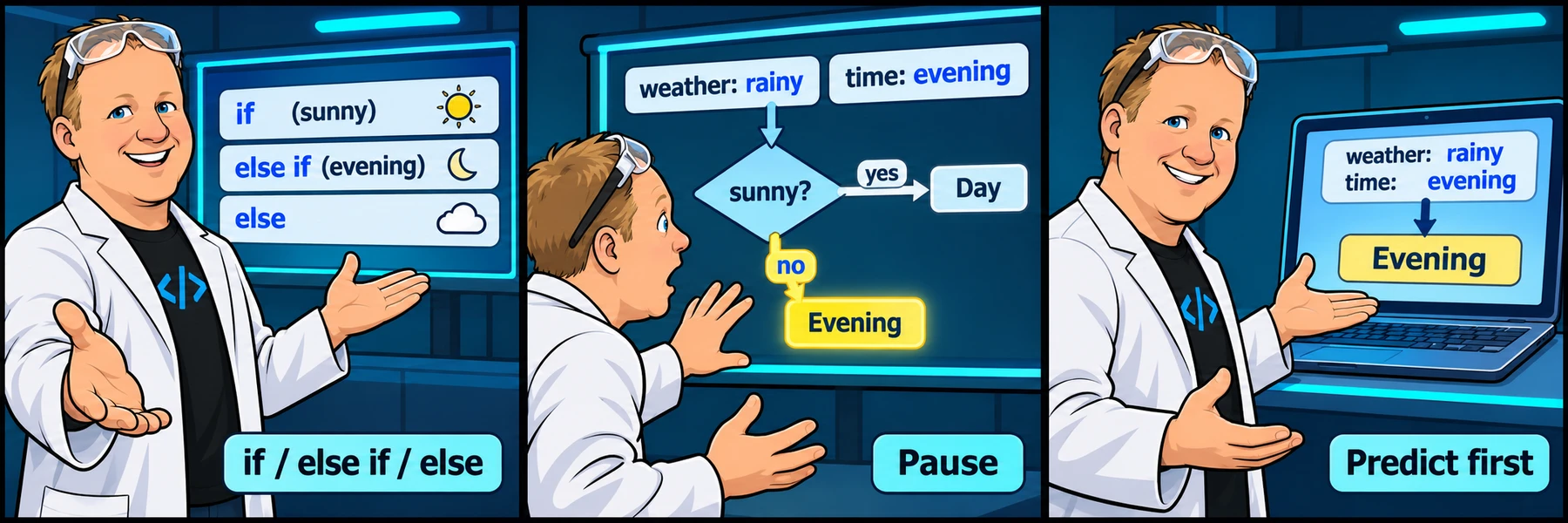
Keep the lesson open on your other screen. Your edits stay in this workspace, separate from the practice activity. Sign in to save and reload a private account draft across devices, or share a snapshot when you need help.
Pause whenever you want to try a change. You can return to the lesson at any time.
You are signed in, but video access needs attention. Check your account access. Your saved work is kept.
Video walkthroughs are included with an active Code Zone membership. The written lesson and practice are free.
Video settings & progress
Start the video to enable typing controls.
YOUR TURN
Follow the branches with Rob: code-along
Predict the selected block before running the program. Follow the video, write the program yourself and run it to inspect the output. This workspace is not graded. Save a draft or share a help snapshot when needed.
Load an example, edit it and run it. Word wrap is enabled.
Your check results
Work in VS Code instead
Copy the starter into a file named practice.js in VS Code. If Node.js is installed, open the terminal in that folder and run node practice.js. Compare the output with the task above. Automated challenge checks are available in the browser editor.
Code example
example.jsjavascript · example
// Follow the branches with Rob// Write your code alongside the video.
Lesson reference
Examples load into this same code-along only after you confirm replacing your code.
Choose a message with if and else
Work through 4 focused steps. Read the explanation, type each requested change and check it before moving on. Your own code carries forward.
The mini-lesson opens in a new tab. Your own code carries forward; each step has a focused check and an optional hint.
The source walkthrough moves from a simple if to if/else, then a time-of-day else-if chain. The next practice pages separate those ideas so you can try one at a time.
The examples here are companion teaching support, not a transcript. Use numeric input values and keep the comparison distinct from assignment.
Pause and change one input
example.jsjavascript · example
const person = "John";if (person === "John") { console.log("Hello John");}console.log("After the if statement");