ONE ACTIVITY. ONE SMALL WIN.
Your first steps in Python.
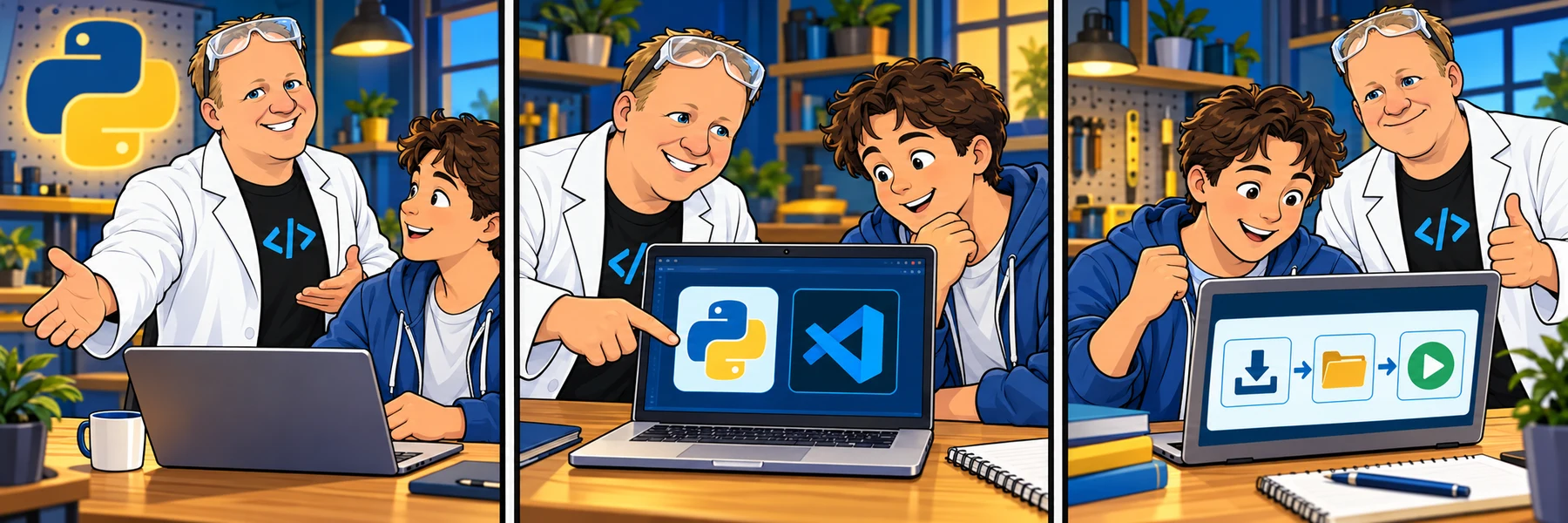
Start a separate programming path with Python. Follow Rob’s current Skool classroom and original PreCodeCamp sequence: install Python and VS Code, then create a folder and file, connect your tools, and run your first program. Code along with the comments, variables and strings videos, then try the separate practice checks. Continue through string methods, escapes, numbers, conversions and Booleans, then apply them in the two original challenges.
01 / 3 ACTIVITIES
Get ready for Python
Watch the introduction, install Python, and prepare your code editor. Start with the interpreter and editor, then continue to the local setup chapter.
0 of 3 complete
02 / 5 ACTIVITIES
Your first Python workspace
Open a folder, choose readable settings, create a Python file, connect the tools, and run your first program.
0 of 5 complete
03 / 19 ACTIVITIES
Python basics
Explore comments, variables and strings with saved code-along workspaces and separate practices. Then apply these skills in the challenge chapter.
0 of 19 complete
- 03.01Understand commentsWatch · 14 min
- 03.02Practice commentsPractice · 5 min
- 03.03Understand variablesWatch · 21 min
- 03.04Practice variablesPractice · 6 min
- 03.05Understand stringsWatch · 21 min
- 03.06Practice stringsPractice · 6 min
- 03.07Understand formatted stringsWatch · 10 min
- 03.08Practice formatted stringsPractice · 6 min
- 03.09Understand string methodsWatch · 18 min
- 03.10Practice string methodsPractice · 6 min
- 03.11Understand escape sequencesWatch · 10 min
- 03.12Practice escape sequencesPractice · 5 min
- 03.13Understand numbersWatch · 18 min
- 03.14Practice numbersPractice · 6 min
- 03.15Understand type conversionWatch · 17 min
- 03.16Practice type conversionPractice · 6 min
- 03.17Understand Boolean valuesWatch · 17 min
- 03.18Practice Boolean comparisonsPractice · 6 min
- 03.19Name Boolean values clearlyPractice · 8 min
04 / 3 ACTIVITIES
Python basics challenges
Apply the original string and number tasks with your own saved code and separate feedback for each result.
0 of 3 complete
Finished Python Basics?
Keep using these data types as you learn conditionals, loops and functions. The opening Python 2 logical-operators section is ready.
Written lessons and browser practice are free. Sign in to save completion across devices and unlock video walkthroughs through your membership or coaching access. Setup uses manual checkpoints for your own computer. Concept videos have their own code-along workspace. Practice and code-along work can be saved as separate account drafts and shared when you need help.
7 days freeTry The Code Zone
THE CODE ZONE COMMUNITY
Your next step is easier together.
Try the community free for 7 days.
No charge during your trial. Choose your plan on Skool.
- Ask questions and get support in the community
- Watch every course video walkthrough
- Find a study buddy in the 24/7 study room
Make the most of your trial with Premium.
Choose Premium on Skool to try Thursday live help sessions. Bring your questions, work through code, and get unstuck together.
Scheduled Thursdays in Eastern Time. Check the Skool calendar for your local date and time.
Have a website account? Sign in