10.01 · Project 1: Laundry order / Learn · 4 min
Plan a laundry order
A laundry order arrives with different clothes and optional extras. Build its receipt one step at a time.
Activity 1 of 5 in Project 1: Laundry order
JavaScript Basics / 10.01
Plan a laundry order
Not started
Bring variables, rounding, arithmetic and conditionals together using one clear rate card.
Your lesson progress
Empty: not started. Yellow: in progress. Green: complete. Marking the whole activity complete does not replace your test results. These circles save in this browser for this pilot.
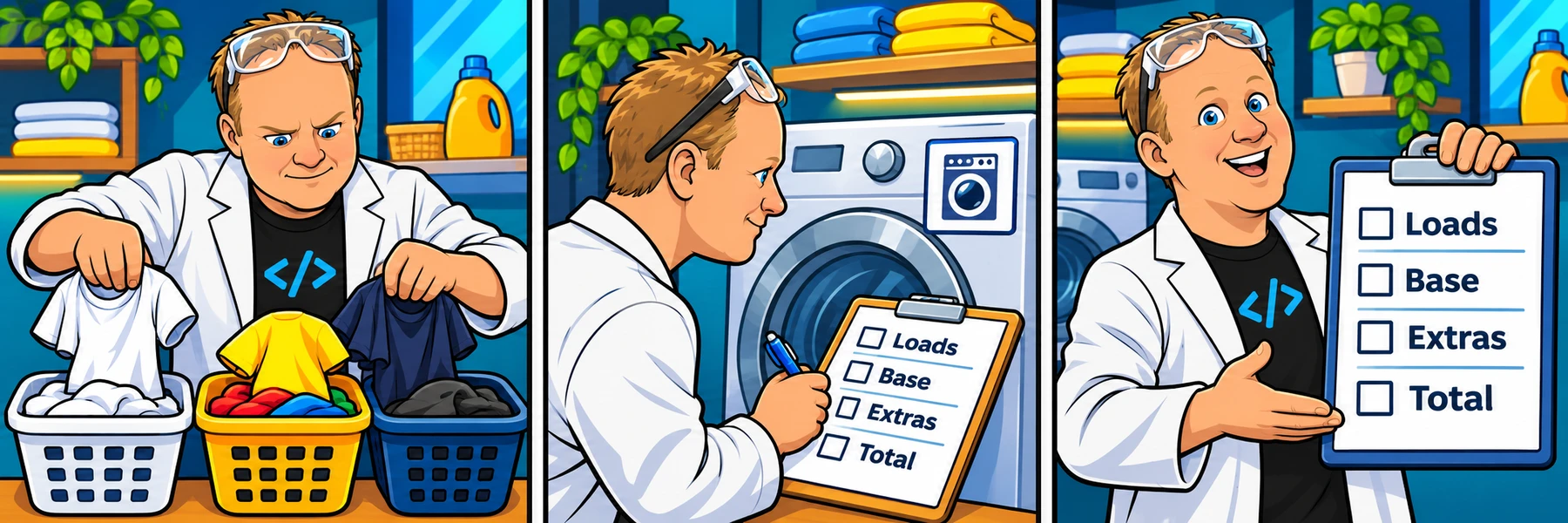
Read the rate card first
Each machine holds up to 10 lb. Keep colors, whites and darks in separate loads. An empty category needs no machine; a partly filled extra machine still counts as a whole load.
Colors cost $2.50 per load, whites $4.00 and darks $6.00. Selected detergent adds $1.00 per load; selected softener adds $1.00 per load. Dryer sheets cost $0.50 per sheet per load. In this project, the chosen extras apply to every load.
These are the rates used for this project’s checks. Follow this card if an older example uses a different price.
const colorPrice = 2.5;
const whitePrice = 4.0;
const darkPrice = 6.0;
const detergentPrice = 1.0;
const softenerPrice = 1.0;
const dryerSheetPrice = 0.5;Plan before assembling the program
First turn the three weights into load counts. Then calculate each category’s base price. After that, add selected extras. Finally add the subtotals and print the receipt.
The three practice activities separate those stages. Fixed numeric and Boolean inputs make checks repeatable without prompting you repeatedly. The original source uses prompt input; adding cancellation and input validation can be a later extension.
You do not need loops, arrays or functions yet. Keep your variables named for what they represent, and explain a subtotal in your own words before moving on.
const sampleWeight = 16;
const capacity = 10;
console.log(Math.ceil(sampleWeight / capacity)); // 2 whole loadsBuild the laundry order receipt
Work through 7 focused steps. Read the explanation, type each requested change and check it before moving on. Your own code carries forward.
The mini-lesson opens in a new tab. Your own code carries forward; each step has a focused check and an optional hint.
Start mini-lesson(opens in a new tab)7 steps · Saved work · Instant feedback
YOUR TURN
Try the examples on this page
Choose Load this code into the editor beside an example, then edit and Run code here. Predict what will print before running it. This is an exploration workspace, so there is no pass/fail challenge. Its saved work stays separate from the next practice activity.
Load an example, edit it and run it. Word wrap is enabled.
Your check results
Work in VS Code instead
Copy the starter into a file named practice.js in VS Code. If Node.js is installed, open the terminal in that folder and run node practice.js. Compare the output with the task above. Automated challenge checks are available in the browser editor.
const colorPrice = 2.5;
const whitePrice = 4.0;
const darkPrice = 6.0;
const detergentPrice = 1.0;
const softenerPrice = 1.0;
const dryerSheetPrice = 0.5;Ready to try it?
Practice in your browser and see your results.
Progress details
Have a question?
Ask the Code Zone community.
Ask a question in The Code Zone (opens in a new tab)Continue learning

7 days freeTry The Code Zone
THE CODE ZONE COMMUNITY
Your next step is easier together.
Try the community free for 7 days.
No charge during your trial. Choose your plan on Skool.
- Ask questions and get support in the community
- Watch every course video walkthrough
- Find a study buddy in the 24/7 study room
Make the most of your trial with Premium.
Choose Premium on Skool to try Thursday live help sessions. Bring your questions, work through code, and get unstuck together.
Scheduled Thursdays in Eastern Time. Check the Skool calendar for your local date and time.
Have a website account? Sign in