THE CODE ZONE / CURRICULUM
Learn to code,
one step at a time.
Learn to code with hands-on workshops, coding labs and bite-sized lessons. Explore interactive demos, build projects with step-by-step guidance, and follow video walkthroughs when you need a helping hand.
Written lessons and browser practice are free. Community members unlock video walkthroughs. Sign in to save your progress and code.
PICK YOUR STARTING POINT
Choose your learning path.
New to websites? Follow HTML → CSS → JavaScript. You can also jump straight into the course that interests you. Python follows its own path: foundations, control flow, then lists and collections.
01 / Build the structure
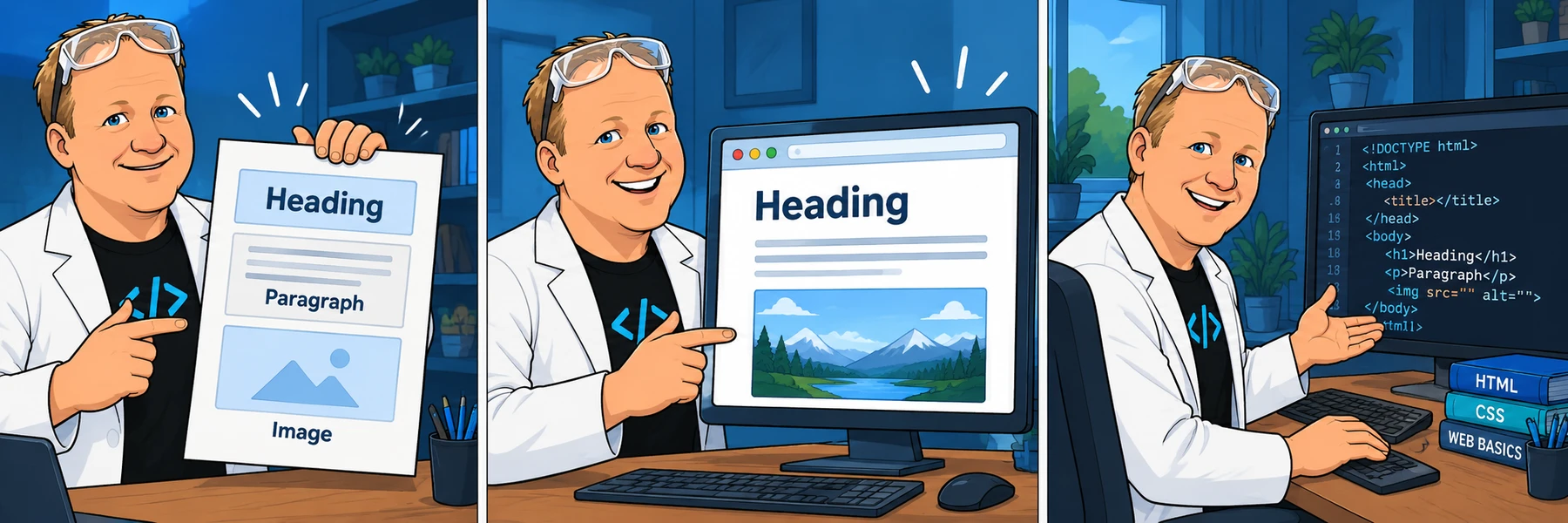
HTML Basics
Create meaningful pages with headings, paragraphs, links, images and forms.
6 chapters · 27 activities
Start here if you are new to building websites.
Explore HTML Basics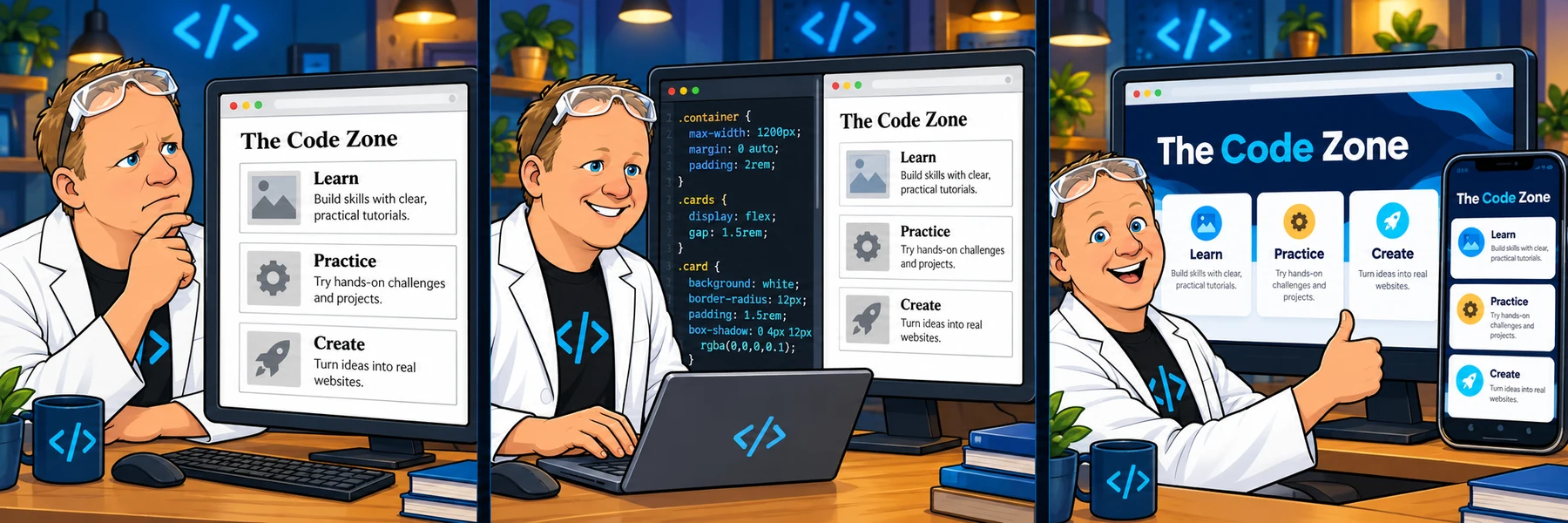
02 / Make it your own
CSS Basics
Style your pages with color, type, spacing, responsive layouts, Flexbox and Grid.
9 chapters · 46 activities
A good next step after HTML Basics.
Explore CSS Basics
03 / Bring it to life
JavaScript Basics
Learn variables, decisions, loops, functions, arrays and objects through small coding challenges.
22 chapters · 153 activities
Start here for programming fundamentals, or continue after HTML and CSS.
Explore JavaScript Basics
04 / Practice JavaScript decisions
JavaScript Challenge Workbook
Fifteen original Skool challenges covering strings, numbers, conditionals, random choices and loops.
3 chapters · 15 activities
Continue after JavaScript Basics, or choose a familiar topic to practice.
Explore JavaScript Challenge Workbook
05 / Start a Python path
Python Basics
Set up Python and VS Code, then practice strings, numbers, conversions and Booleans before two original challenges.
4 chapters · 30 activities
A separate programming path; HTML, CSS and JavaScript are not prerequisites.
Explore Python Basics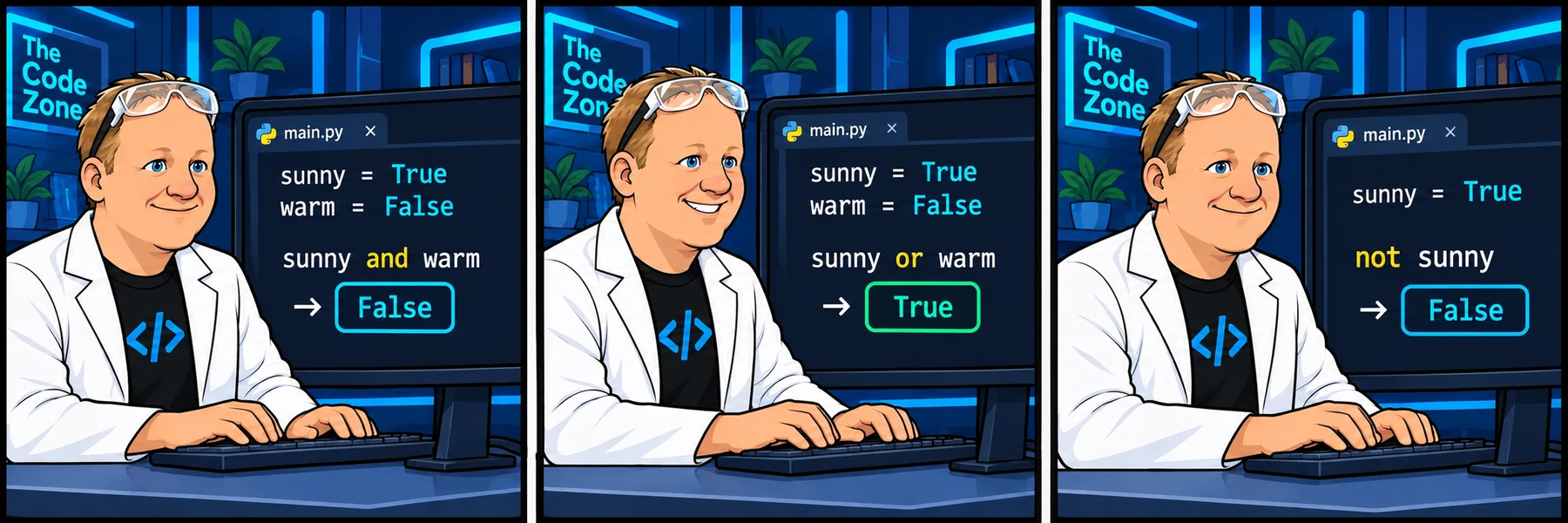
06 / Continue with Python 2
Python 2: Logic, Loops & Functions
Use conditions, loops and functions, with original videos, saved code-alongs, checked challenges and a random color-picker final project.
7 chapters · 35 activities
Continue after the Python Basics string and number challenges.
Explore Python 2: Logic, Loops & Functions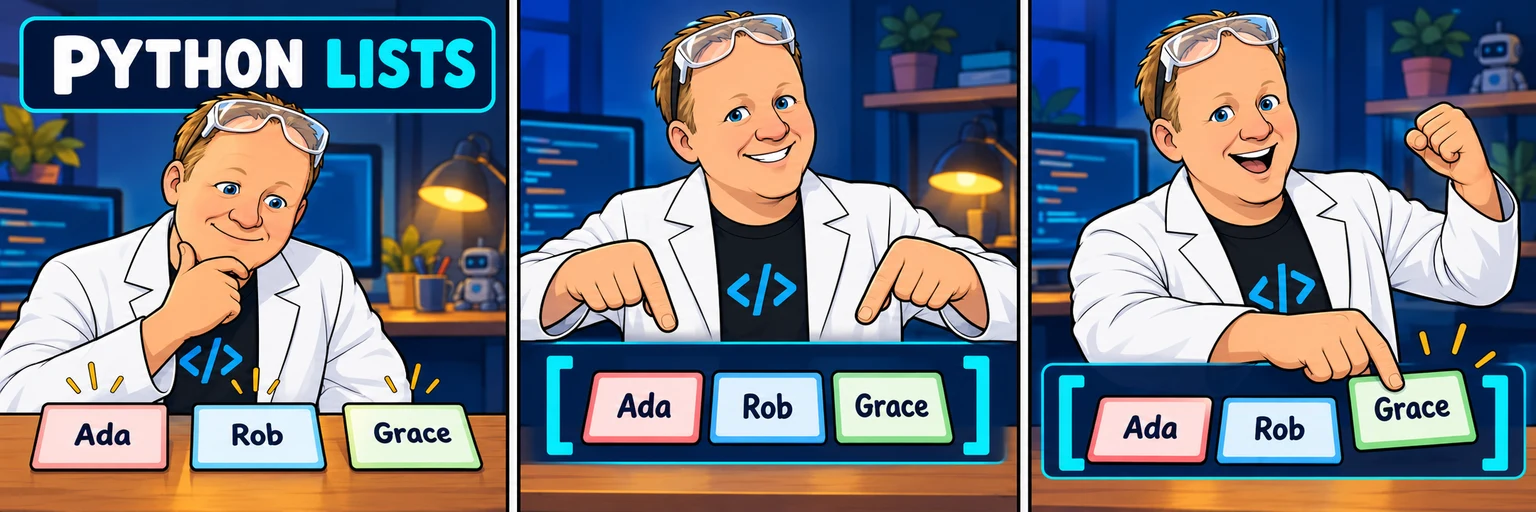
07 / Explore Python collections
Python 3: Lists
Create, access, unpack and transform lists, then compare collections with sets.
5 chapters · 25 activities
Continue after Python 2: Logic, Loops & Functions.
Explore Python 3: Lists
08 / Build three Python games
Python Challenge Workbook
Apply conditions, loops, functions and randomness in three original workbook projects with playable terminals and repeatable checks.
3 chapters · 6 activities
Complete the Python foundations first; lists and dictionaries are used in the final game.
Explore Python Challenge Workbook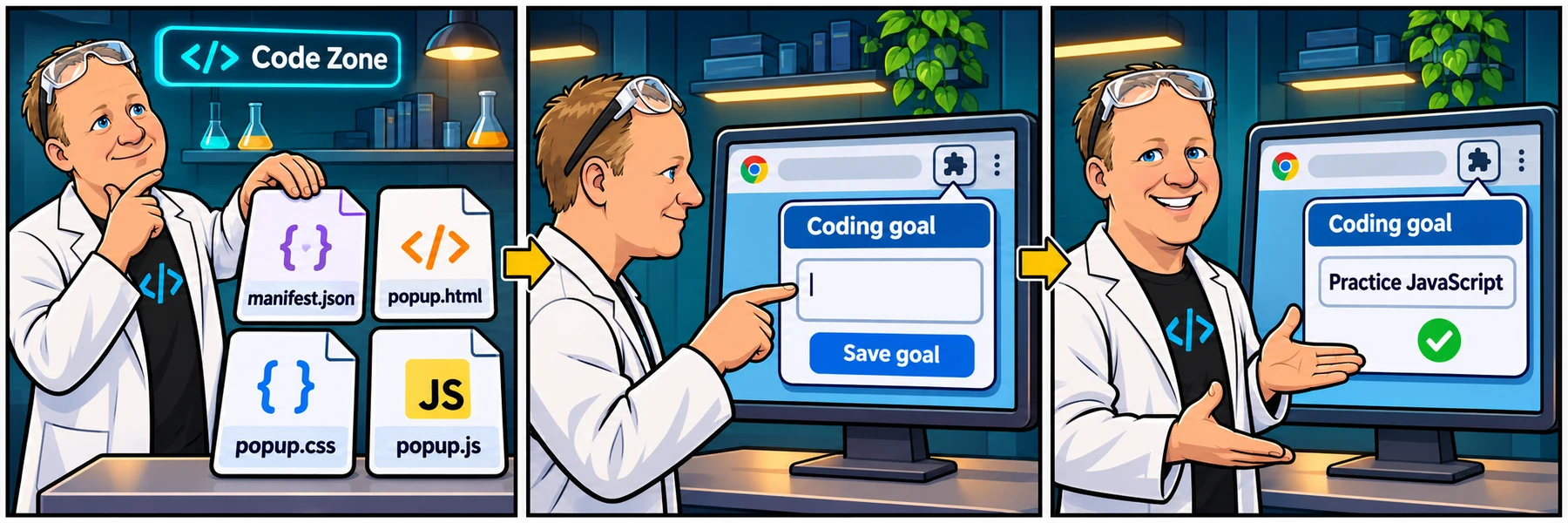
Browser tools / Build useful Chrome extensions
Chrome Extension Basics
Create popups, color tools, a Reading Helper and a study side panel through guided projects.
7 chapters · 6 projects · 143 guided steps
For learners with basic HTML, CSS and JavaScript skills. Start without signing in.
Explore Chrome Extension BasicsWATCH WITH ROB · PRACTICE ON FREECODECAMP
freeCodeCamp companions.
Original explanations and walkthroughs for selected freeCodeCamp projects. Official tasks, tests and completion stay on freeCodeCamp.
freeCodeCamp / Follow the curriculum with Rob
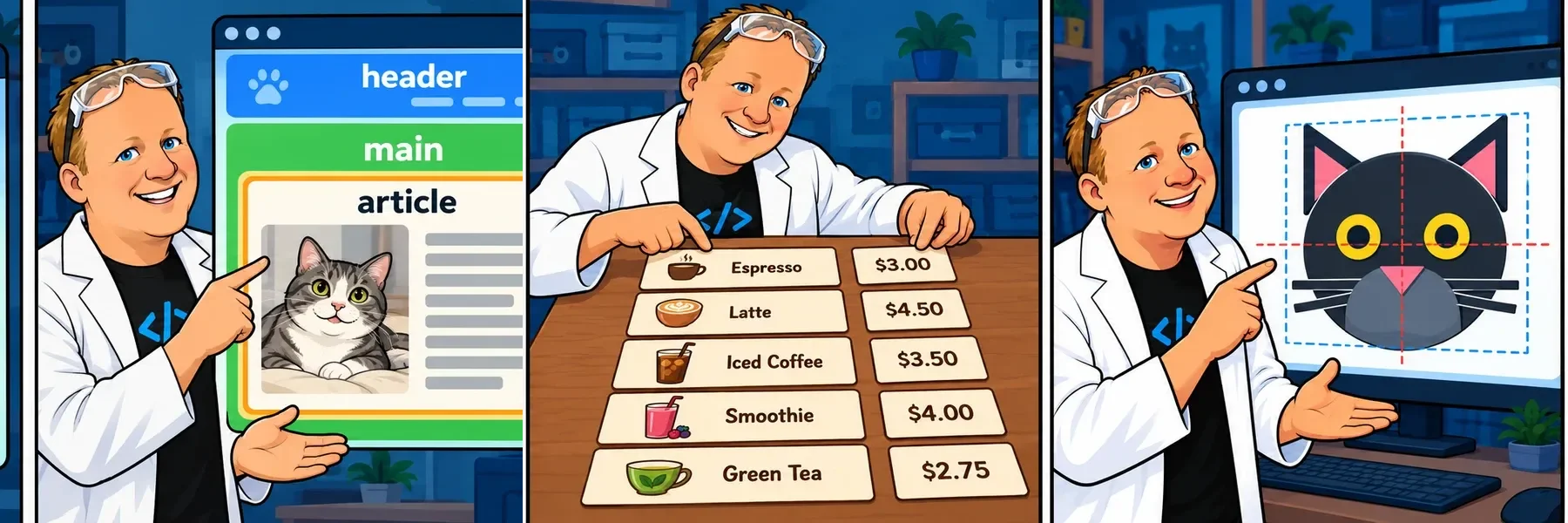
Responsive Web Design
HTML and CSS workshops and labs, organized into expandable chapters in official curriculum order.
Full official outline · 47 available walkthroughs
Track the walkthroughs you complete here; complete official projects on freeCodeCamp.
Explore Responsive Web Design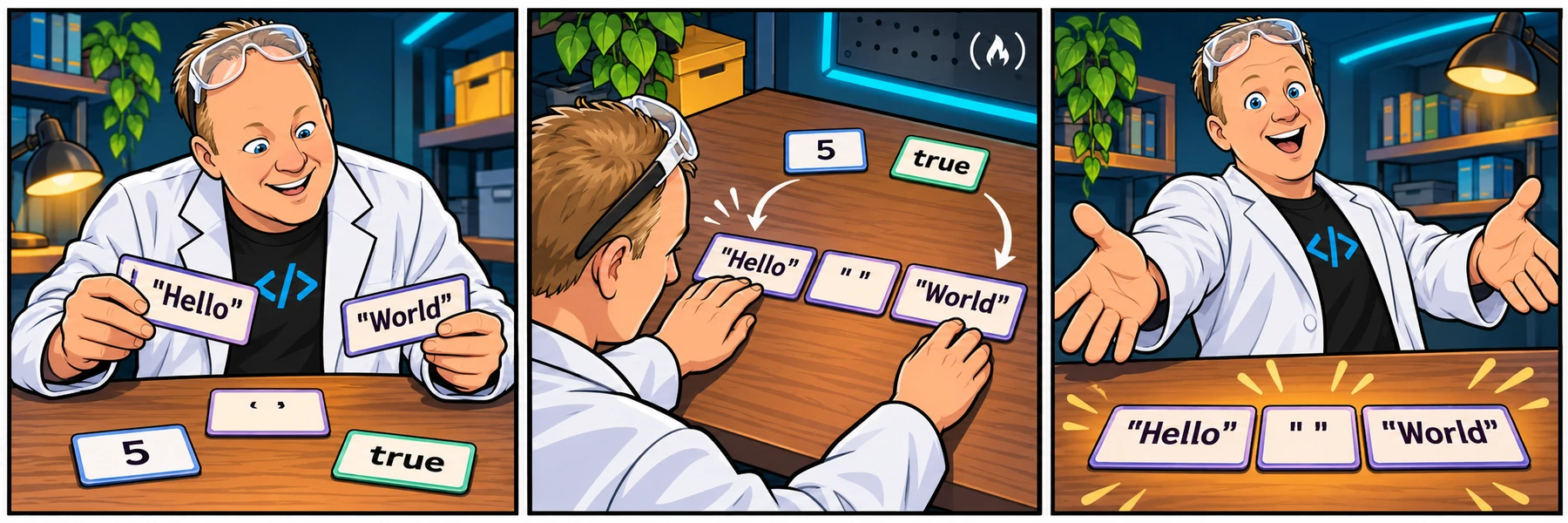
freeCodeCamp / Program with Rob
JavaScript
JavaScript workshops and labs in official curriculum order, with console examples, explanations and links to the current exercises.
Full official outline · 10 available walkthroughs
Save your Code Zone walkthrough progress; run official tests on freeCodeCamp.
Explore JavaScriptPUT IT INTO PRACTICE
Take your next step.
Bring your questions.
Try a lesson, save your work, and share a code snapshot when you need a fresh pair of eyes. The Code Zone community is there to help you keep going.
Meet the communityThe Code Zone (opens in a new tab)