01.02 · Comments / Watch · 3 min
Watch: comments introduction
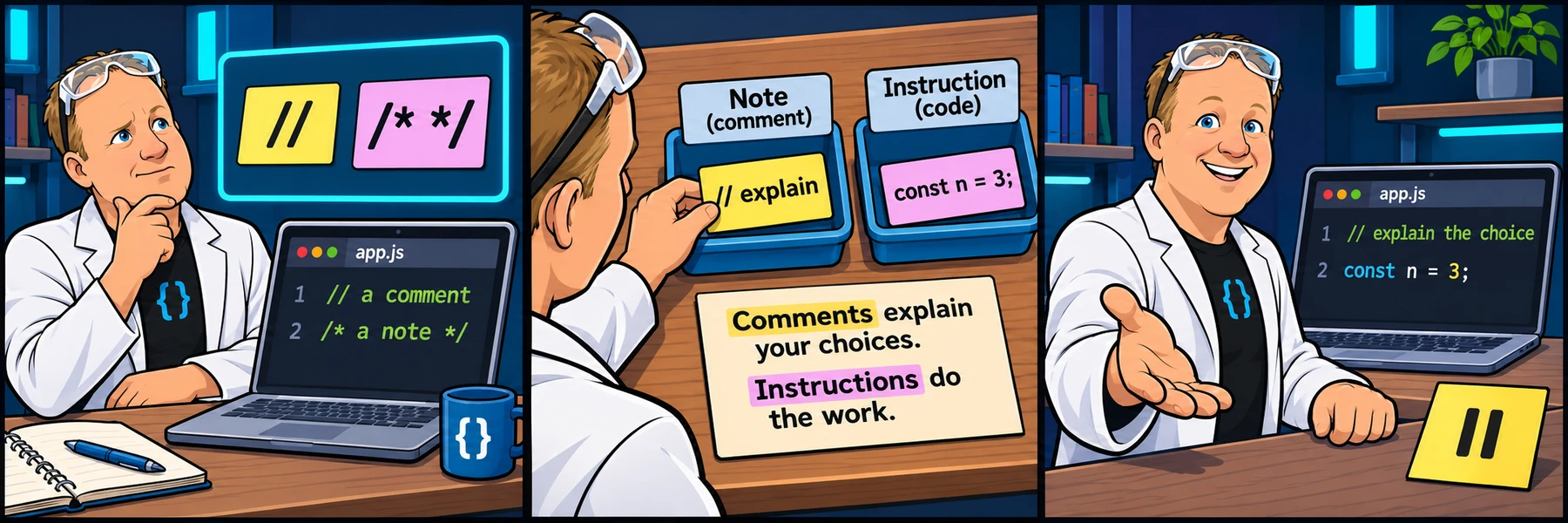
See comments explained in the original introductory video.
Activity 2 of 6 in Comments
JavaScript Basics / 01.02
Watch: comments introduction
Not started
Watch the original short introduction to JavaScript comments.
OVERVIEW VIDEO · 3:17
Watch the overview.
Watch the overview, then explore the examples and practice below.
You are signed in, but video access needs attention. Check your account access. Your saved work is kept.
Lesson videos are included with an active Code Zone membership. The written lesson and practice are free.
Write useful JavaScript comments
Work through 4 focused steps. Read the explanation, type each requested change and check it before moving on. Your own code carries forward.
The mini-lesson opens in a new tab. Your own code carries forward; each step has a focused check and an optional hint.
Start mini-lesson(opens in a new tab)4 steps · Saved work · Instant feedback
Ready to try it?
Practice in your browser and see your results.
Progress details
Have a question?
Ask the Code Zone community.
Ask a question in The Code Zone (opens in a new tab)