01.01 · Get ready for Python / Watch · 4 min
Your first steps in Python
You do not need to understand every line on the screen yet. Start with one small, repeatable learning habit.
Activity 1 of 3 in Get ready for Python
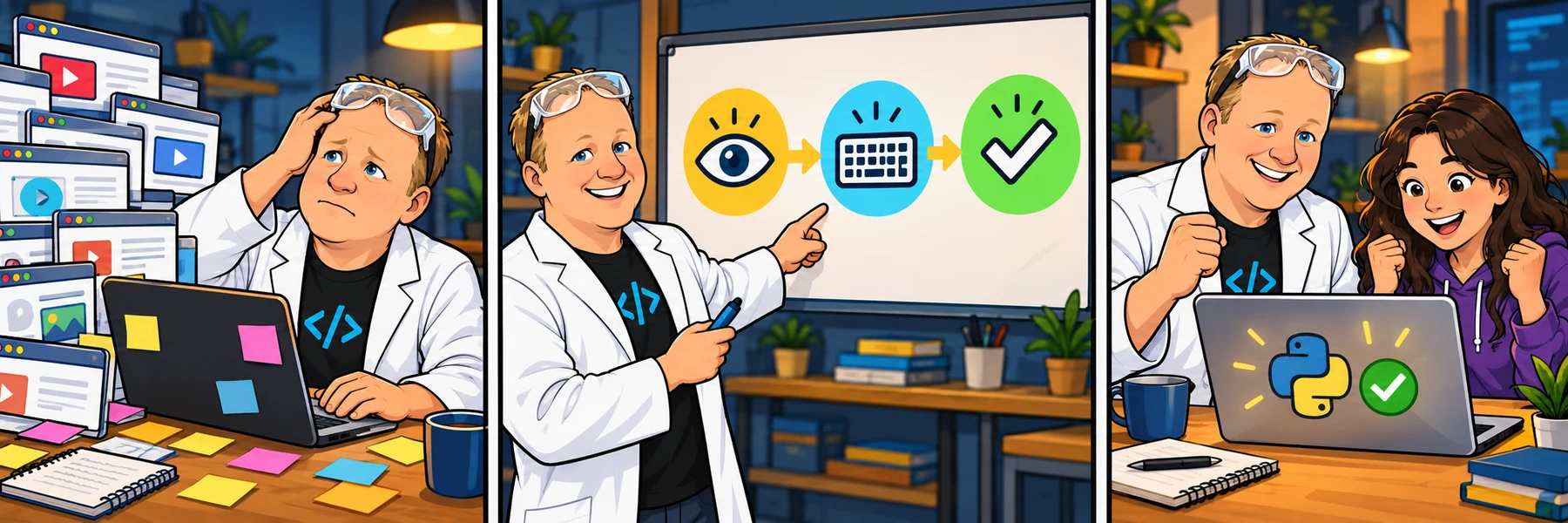
ORIGINAL WALKTHROUGH · 2:00
Watch with Rob.
Pause whenever you want to try a change. You can return to the lesson at any time.
You are signed in, but video access needs attention. Check your account access. Your saved work is kept.
Video walkthroughs are included with an active Code Zone membership. The written lesson and practice are free.
Watch, try, then check
Watch Rob’s short introduction, then work through the lessons in order. Pause a code-along when you need time to type. Reading a solution is different from making a change yourself and explaining what it does.
In each practice activity, read the task first, change one thing, run the code, and compare the result with the requirement. When a check fails, use the feedback to choose your next change.
Two tools, two jobs
Python is the language and its interpreter runs your Python instructions. Visual Studio Code is the editor where you can write and organize those instructions. Installing the editor does not install Python.
This first section prepares those two tools. The next section will cover opening a course folder, creating a .py file, selecting an interpreter and running your first program.
Make room for a small win
Set aside a short session and follow one activity at a time. A laptop or desktop with a keyboard is the most practical place for local setup; you can still read and watch on a phone.
If you get stuck, explain the step, the code or command you tried, and the exact error. Community questions and the study room can help; Thursday live help sessions are a Premium benefit, scheduled in Eastern Time. Coaching learners can ask their assigned instructor.