02.03 · Your first Python workspace / Watch · 6 min
Create your first Python file
The filename connects what you type to a file you can run again. The .py ending identifies a Python source file.
Activity 3 of 5 in Your first Python workspace
ORIGINAL WALKTHROUGH · 2:56
Watch with Rob.
Pause whenever you want to try a change. You can return to the lesson at any time.
You are signed in, but video access needs attention. Check your account access. Your saved work is kept.
Video walkthroughs are included with an active Code Zone membership. The written lesson and practice are free.
Create hello.py inside the folder
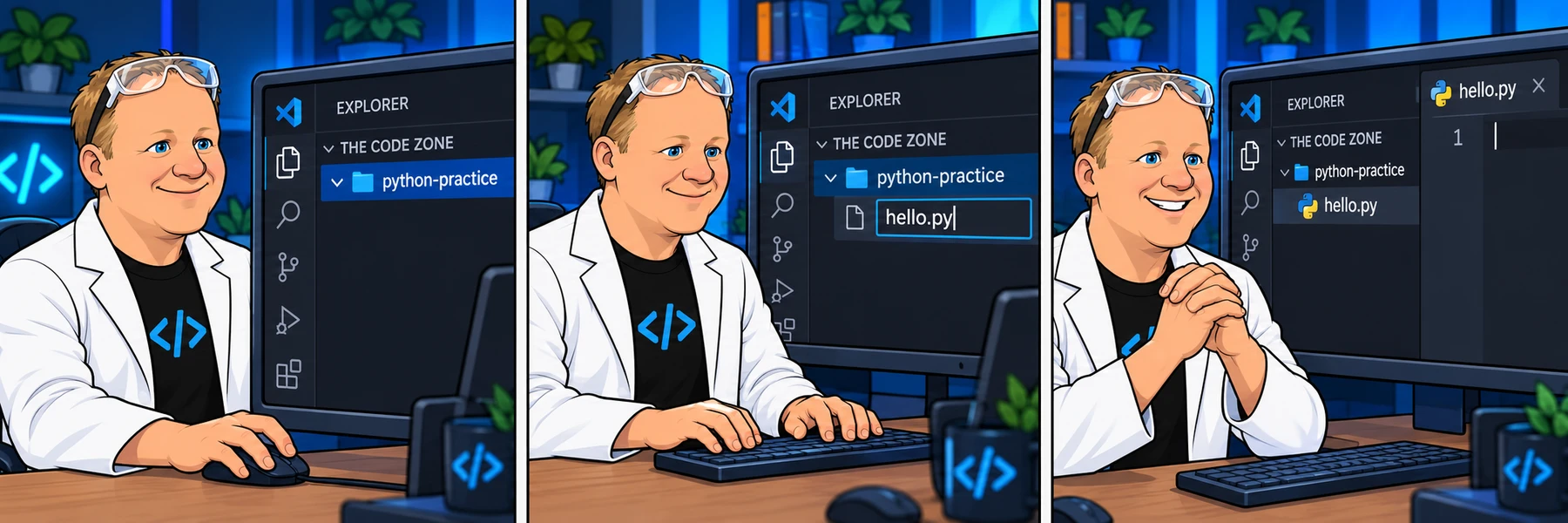
With your practice folder open, use New File in the Explorer and enter hello.py. Another route is File → New Text File, then Save As and choose hello.py inside your practice folder.
Look for hello.py in both the Explorer and the editor tab. If the tab still says Untitled, save the file before continuing. Rob may use hello-world.py in the recording; it is also a valid filename.
Check the extension and location
The .py part belongs in the filename. Avoid accidentally creating hello.py.txt; file managers can hide known extensions. In VS Code, the language mode for the file should show Python.
A folder contains files. A file contains the text you write. Saving this file puts it inside your practice folder on this computer; opening a browser practice page does not create that local file for you.
Your checkpoint
You can find one saved file called hello.py inside the practice folder, and its tab is open in VS Code. An empty file is fine at this point.
If the file is outside the intended folder, move it using the Explorer or save it in the correct location. Next, connect the editor to your installed Python interpreter.