07.02 · Layout with Grid / Learn · 8 guided steps
Place and span Grid items
Use line numbers, span and narrow-screen resets to place dashboard regions without changing their reading order.
Activity 2 of 6 in Layout with Grid
CSS Basics / 07.02
Place and span Grid items
Not started
Use line numbers, span and narrow-screen resets to place dashboard regions without changing their reading order.
Your lesson progress
Empty: not started. Yellow: in progress. Green: complete. Marking the whole activity complete does not replace your test results. These circles save in this browser for this pilot.
OVERVIEW VIDEO · 2:58
Watch the overview.
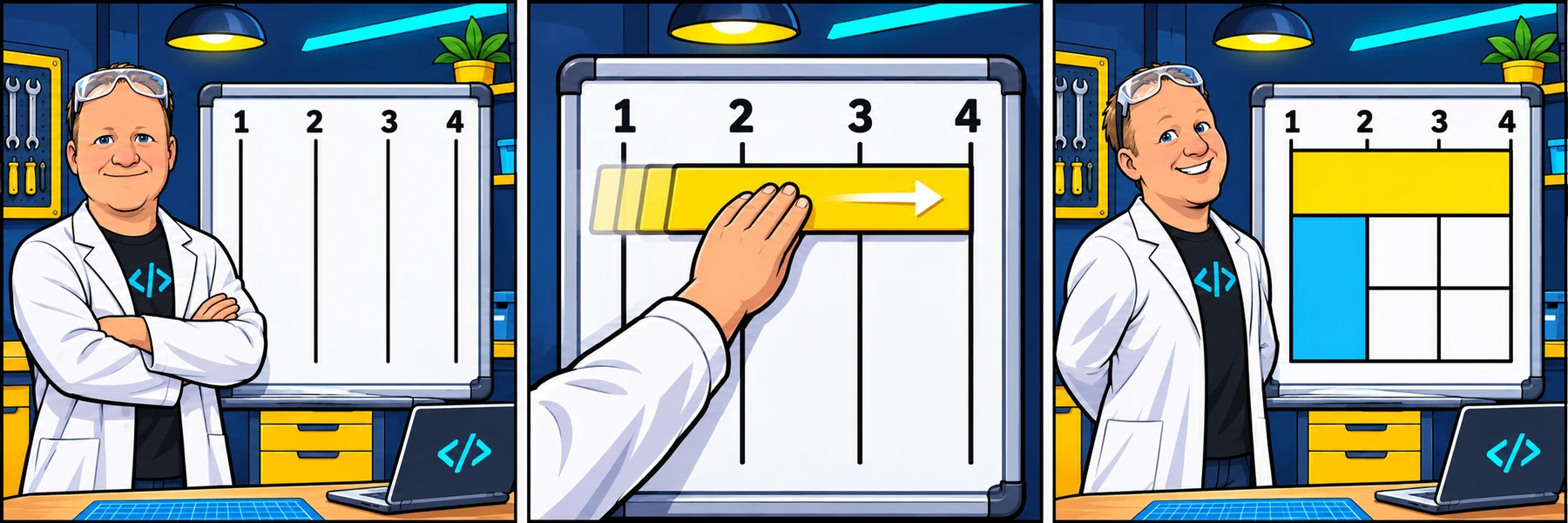
Watch Rob explain Grid line numbers, column and row spans, and narrow-screen placement resets. Then try the explorer and build the study dashboard in the guided practice below.
You are signed in, but video access needs attention. Check your account access. Your saved work is kept.
Lesson videos are included with an active Code Zone membership. The written lesson and practice are free.
Count lines rather than boxes
Three columns have four boundary lines. grid-column: 1 / 3 starts at line 1 and ends at line 3, covering two tracks. grid-row uses the same idea vertically.
grid-column: 1 / -1 covers the explicit columns from the first line to the last. 1 / span 3 starts at line 1 and crosses three tracks. Place those declarations on the child item.
Try a different start and span
Move A to a different column line, then change how many columns and rows it covers. The outlined board keeps three columns so you can compare the same boundaries.
Move A across three columns and let it span rows. The HTML order stays A, B, C, D.
The changed declaration is highlighted. This demo is separate from your saved workshop code.
YOUR GRID PREVIEW
A heading across the grid and a tall sidebar
.lead {
  grid-column: 1 / -1;
}

.menu {
  grid-column: 1 / 2;
  grid-row: 2 / 4;
}
Do not hide a confusing reading order
Visual placement does not rewrite the document or keyboard focus order. Keep the HTML meaningful. Avoid placing two regions in the same cells unless overlapping is intentional.
At a narrow breakpoint, reset old child line assignments as well as the parent columns. Otherwise a reference to line 4 can create unwanted implicit columns in a one-column design.
Your turn: build it in small steps
Write the code yourself, check each stage and carry your work forward. The supplied shell links index.html to styles.css. The preview updates as you type.
The mini-lesson opens in a new tab. Your own code carries forward; each step has a focused check and an optional hint.
Start mini-lesson(opens in a new tab)8 steps · Saved work · Instant feedback
Keep a reference nearby
You do not need to memorize every Grid value. Predict the result, try a change and use the documentation to check the property you need.
Ready to try it?
Practice in your browser and see your results.
Progress details
Have a question?
Ask the Code Zone community.
Ask a question in The Code Zone (opens in a new tab)