02.02 · Dice Rolling / Learn · 6 min
Explain Dice Rolling
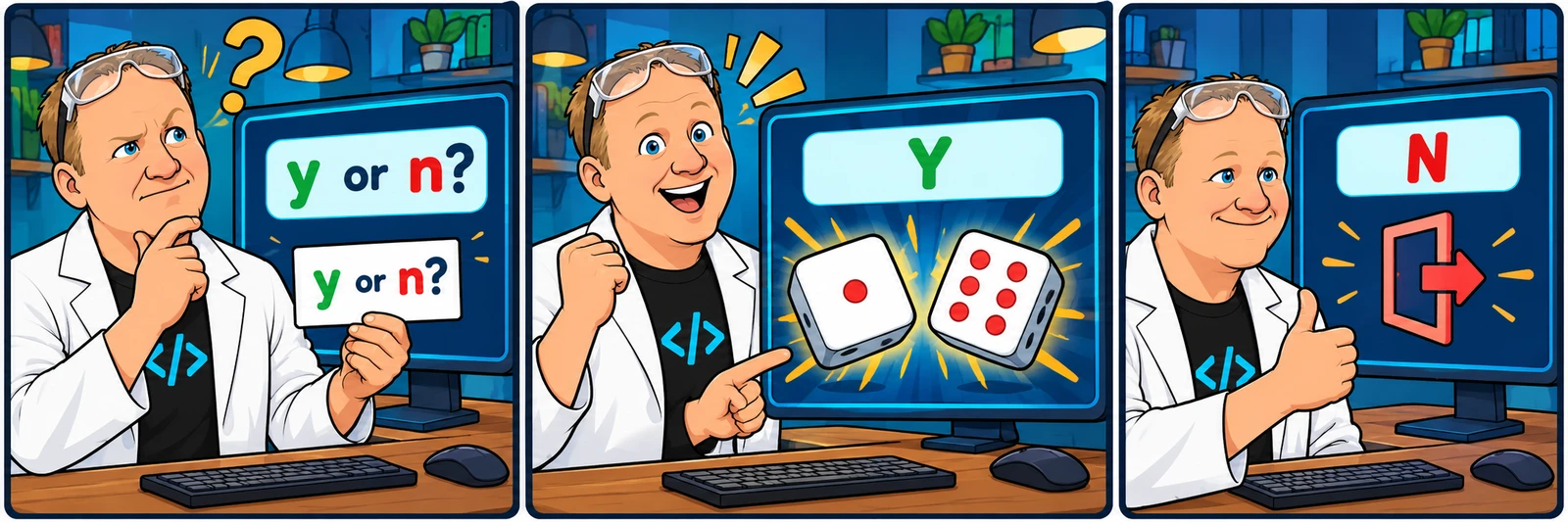
strip removes surrounding whitespace; lower lets Y and y follow the same branch. n exits before any random value is generated. An invalid answer stays inside the loop and requests another choice.
Activity 2 of 2 in Dice Rolling
Python Challenge Workbook / 02.02
Dice Rolling review
Not started
Compare your approach with the original recording and an explained browser adaptation.
Your lesson progress
Empty: not started. Yellow: in progress. Green: complete. Marking the whole activity complete does not replace your test results. These circles save in this browser for this pilot.
ORIGINAL WALKTHROUGH · 05:31
Watch with Rob.
Pause whenever you want to try a change. You can return to the lesson at any time.
You are signed in, but video access needs attention. Check your account access. Your saved work is kept.
Video walkthroughs are included with an active Code Zone membership. The written lesson and practice are free.
Open video & code editor (opens in a new tab)Watch the original solution
Try the challenge before reading this review. Watch Rob’s original 5:31 solution recording above. Use theater mode to watch and code side by side, or pop out the editor into its own window. Keep your challenge editor open in another tab to compare your own approach.
Normalize once, then branch
strip removes surrounding whitespace; lower lets Y and y follow the same branch. n exits before any random value is generated. An invalid answer stays inside the loop and requests another choice.
Two dice need two draws
Call randint(1, 6) once for die1 and once for die2. Reusing die1 would make every roll doubles. Both endpoints are possible because randint includes its upper bound.
Extend only after passing
Try y, Y, spaces around an answer, an invalid word, and n on the first prompt. Bonus: count rolls, print dice art or celebrate doubles without changing the required output until the checks pass.
One explained browser version
This is one valid approach. The challenge accepts other implementations that meet its observable game contract. Reading or copying this example does not award a pass or replace your saved work.
import random

while True:
    user_input = input("Do you want to roll the dice? (y/n) ").strip().lower()
    if user_input == "y":
        die1 = random.randint(1, 6)
        die2 = random.randint(1, 6)
        print(f"You rolled a {die1} and a {die2}.")
    elif user_input == "n":
        print("Goodbye")
        break
    else:
print("Please enter 'y' or 'n'.")Build it one step at a time
Prefer learning by typing? Work through short instructions, run the Python code and check each change before continuing. Your guided project saves separately from the challenge below.
The mini-lesson opens in a new tab. Your own code carries forward; each step has a focused check and an optional hint.
Start mini-lesson(opens in a new tab)6 steps · Saved work · Instant feedback
Ready to try it?
Practice in your browser and see your results.
Progress details
Have a question?
Ask the Code Zone community.
Ask a question in The Code Zone (opens in a new tab)