FREE PLAYBOOK WORKSHOP / HTML & CSS
Six faces.
One working dice roller.
Build a CSS Dice Roller
Start with one dot. Copy your die, change its pattern, then roll it. Practice HTML structure, CSS Grid and reusable classes while keeping all six faces visible.
16 alternating HTML/CSS steps · About 60–90 minutes · No installation needed
16 steps · Saved work · Instant feedback
The whole workshop is free. Your code and checkpoints save in this browser when signed out. Sign in with your Code Zone learning account to save across devices and keep your work on your profile.
WATCH THE FREE INTRODUCTION
See what you will build.
A quick tour of the finished roller, the skills you will practice and how the workshop works. No sign-in needed.
GRID INSIDE / FLEXBOX OUTSIDE
Give every dot a place.
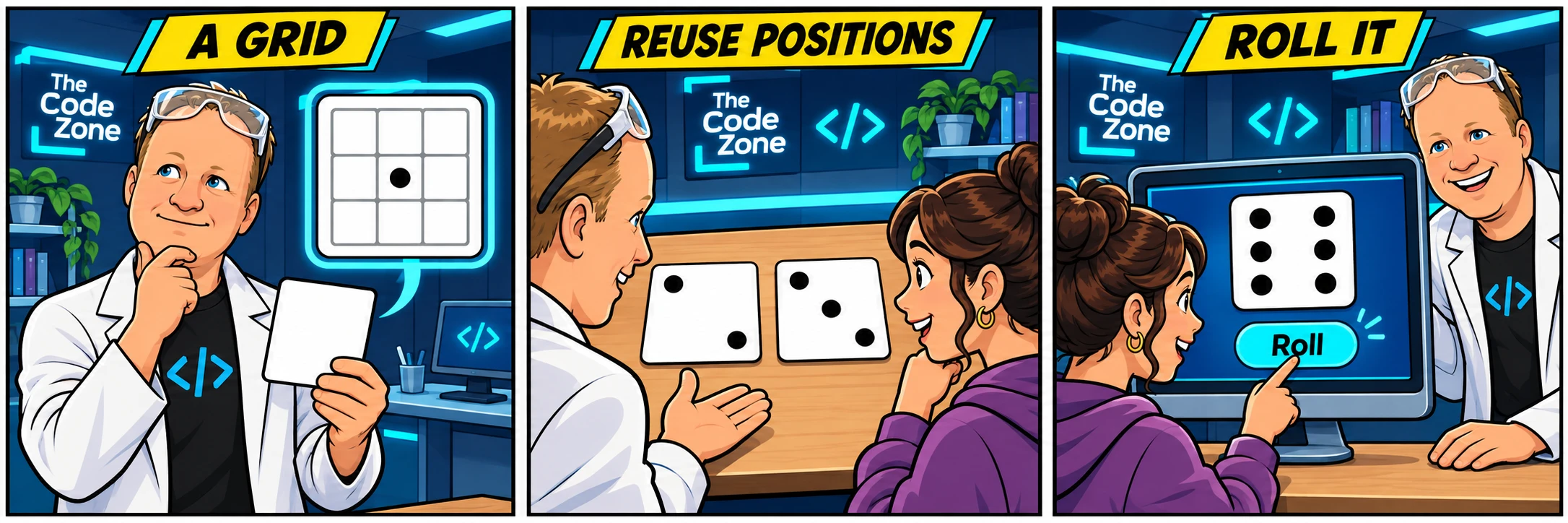
Each die has three equal rows and three equal columns. Position classes such as top-left and center tell CSS which cell a dot belongs in. The same classes work across every die.
Flexbox wraps the gallery cards onto new rows as the screen gets smaller. You will compare phone and desktop previews without squeezing the dice.
Copy, change, style.
- Build your first face below its supplied comment.
- Copy the previous face’s entire section below the next face comment.
- Change the copied id and heading, then adjust its dots.
- Switch to CSS and follow that step’s checklist.
- Keep all earlier faces to compare your progress.
TRY THE FINISHED EXAMPLE
A roller you can use.
Scroll inside the example to find Roll the Dice below the six faces. The supplied JavaScript copies one of your faces and announces its number. You build the HTML and CSS; the JavaScript is hidden from the workshop editor and included in the optional CodePen export.
YOUR PATH THROUGH THE WORKSHOP
HTML, then CSS. Repeat.
- 01HTMLName your dice gallery
- 02CSSGive the page breathing room
- 03HTMLBuild face one
- 04CSSMake the die a three-by-three grid
- 05HTMLCopy face 1 to build face 2
- 06CSSPlace the diagonal dots
- 07HTMLCopy face 2 to build face 3
- 08CSSGive each face a readable card
- 09HTMLCopy face 3 to build face 4
- 10CSSPlace the other two corners
- 11HTMLCopy face 4 to build face 5
- 12CSSLet the gallery wrap onto new rows
- 13HTMLCopy face 5 to build face 6
- 14CSSFinish both columns of three
- 15HTMLAdd the working roll controls
- 16CSSStyle and try your dice roller
After all 16 checks pass, step 17 opens Export to CodePen. Exporting is optional and does not affect your completion.
OPTIONAL FINISHING CHALLENGE / NOT GRADED
Give your dice a theme.
After finishing the guided steps, design your own dice set. This is a separate design challenge, not another required checkpoint.
- Choose a new die and dot color pair with clear contrast.
- Keep all six dot counts and positions correct.
- Check the gallery at phone and desktop widths.
- Roll with the mouse and with Tab and Enter. Keep the result readable and keyboard focus visible.
- Explain which rules style all dice and which rules place individual dots.
Your earned checkpoints remain saved. The original checks still expect the workshop’s requested values. Your later CodePen edits are separate from your Code Zone work.