Code Zone Bug Lab / Episode 01
The Button That Does Nothing
Practice reproducing a bug, reading console evidence, making a focused fix, and verifying a ticket in an editable HTML, CSS and JavaScript playground.

Your sprint ticket · In progress · DEV-144
Send reset link does not respond.
Customer report: The reset button looks ready, but clicking it does not complete the demo request.
Steps to reproduce
- Keep the prefilled demo address.
- Click Send reset link.
- Read the Console and compare the HTML and JavaScript.
The footer alignment is a separate cosmetic issue. Park it for another ticket.
Acceptance criteria
- With the prefilled demo address, clicking the button shows “Demo: a reset link would be sent.”
- The interaction does not submit or reload the page.
- The console no longer shows the JavaScript error, and logs the handled demo request.
Learning demo only. No account changes, email, purchases, or payments occur.
Reproduce → inspect → hypothesize → verify
Take the ticket.
Use the preview to reproduce the bug. Read the Console, then compare the HTML and JavaScript tabs. Investigate initializeResetButton in the JS tab. Preview-support code runs behind the scenes so you can focus on the ticket. Edits update the preview automatically. Format code tidies all three tabs with Prettier. On a phone, switch between Code and Result; a wider screen gives you more room.
Checking account and saved lab work…
Sign in to sync across devicesChoose the copy to continue with. Keeping the device copy replaces the account copy only after a revision check.
Loading the JavaScript and HTML editor…
Pass the checks or make three attempts to unlock an explained example.
Ready to test? Choose “Check challenge” after investigating.
Code and prediction notes recover in this browser and sync when signed in. Instructor examples stay separate. Reset replaces code, not prediction notes.
Replace your edits with the original broken example?
Try first. Reveal one clue at a time.
Need a lead?
1. What is the console telling you?
Look for the value logged after “Selected reset button.” What would make a DOM lookup return null?
2. Compare the selector and the markup.
Find the button’s id in HTML. Compare it with the string passed to document.querySelector in JavaScript. Do they identify the same element?
3. Make the smallest useful change.
Make the selector match the existing button id. Let the preview update, click the button, and check the confirmation and Console again.
Your lab report
Show your reasoning.
“I expected… I observed… The console showed… My hypothesis was… I changed… I verified…”
Use Check challenge for automated behavior checks. Passing checks are useful evidence, not a complete code review.
Give others room to investigate: label solutions as spoilers.
Share your lab report on SKOOL (new tab) ↗Notes from Rob’s code lab
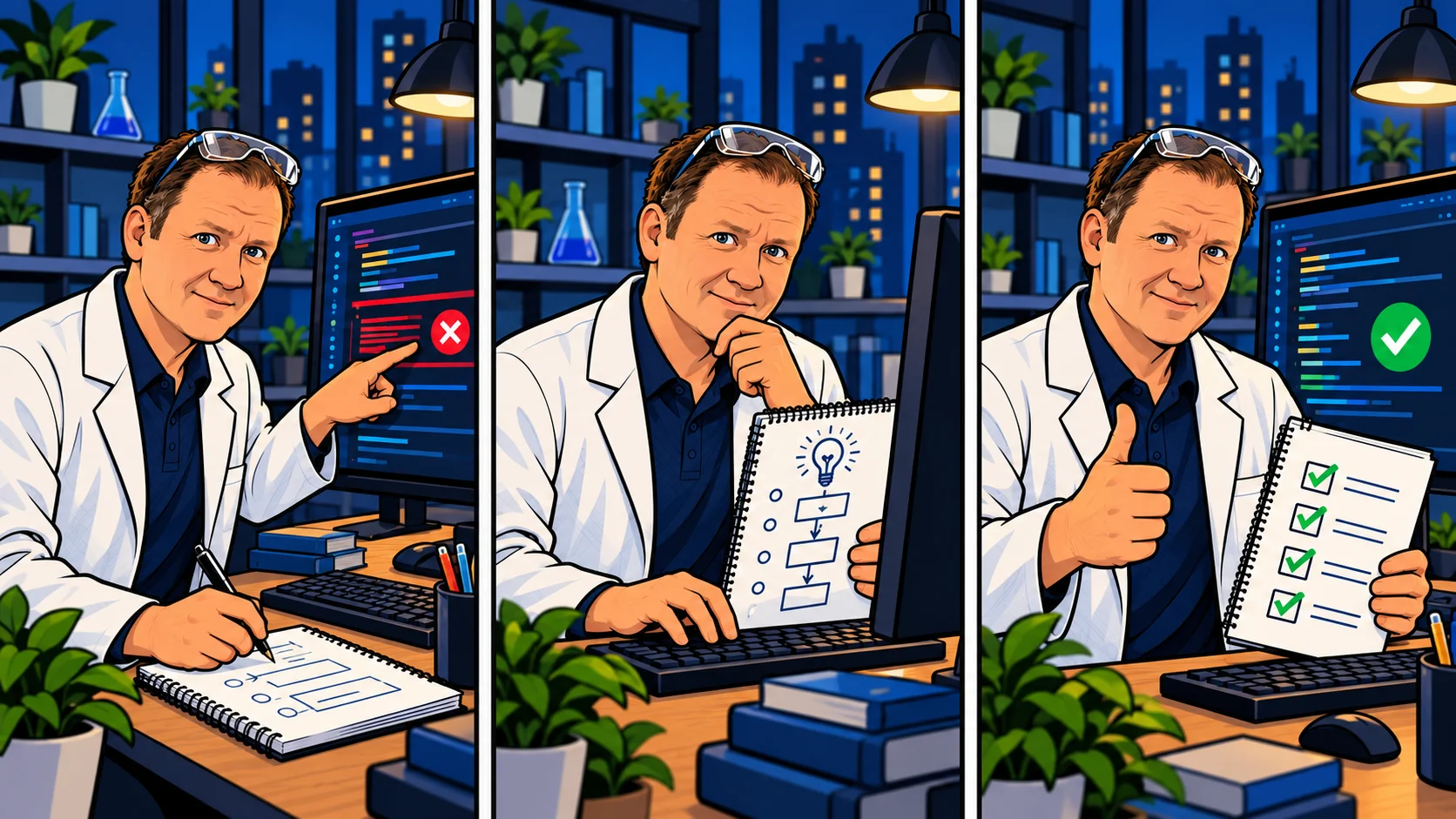
Every bug is an experiment.
You don’t have to know the answer immediately. Make the next experiment useful.
Still stuck? Bring your evidence and your next question. That’s a useful starting point for pairing.