Code Zone Bug Lab / Episode 07
The Dark Mode That Won’t Stick
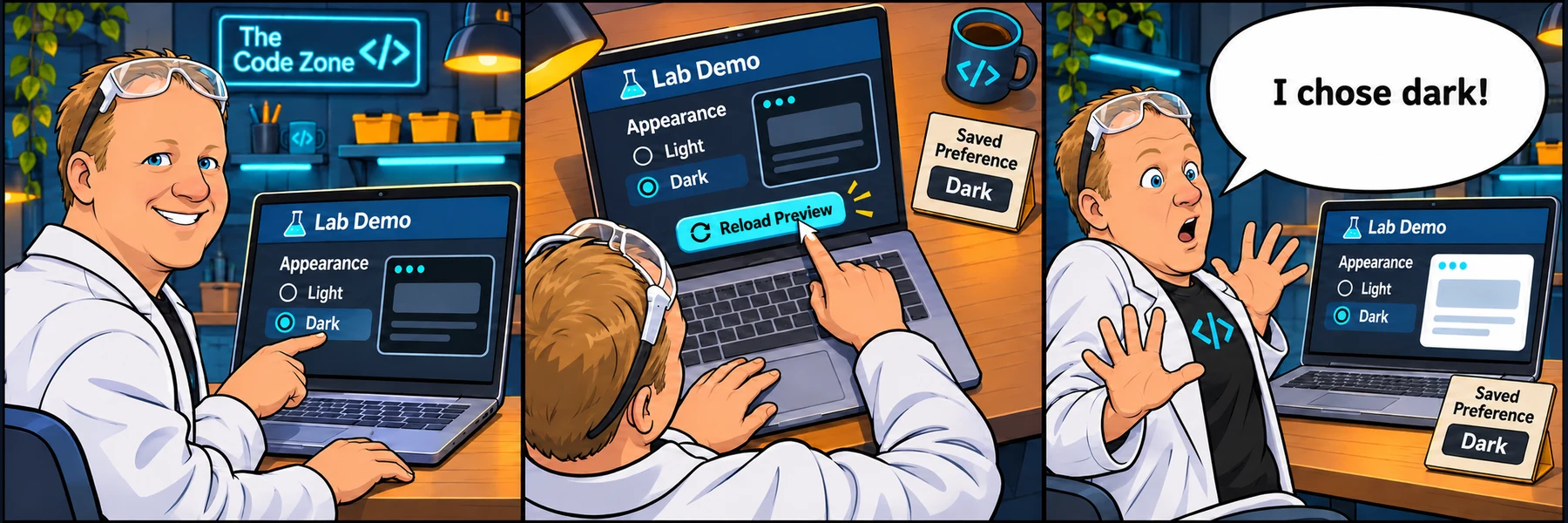
Rob picks dark mode. Reloading the preview turns the lights back on.
Your sprint ticket · In progress · DEV-150
The Dark Mode That Won’t Stick.
Customer report: Dark mode works until I reload. The demo remembers my choice but does not restore it.
Steps to reproduce
- Choose Start fresh to clear only this lab’s saved preference.
- Select Toggle theme to choose dark mode.
- Select Reload preview and watch the theme.
Restore the stored preference. Do not change the website theme or other browser storage keys.
Acceptance criteria
- With no saved preference, the preview starts light.
- Toggling to dark saves dark mode.
- Reload preview restores a saved dark preference.
- Toggling back to light survives Reload preview too.
- An unrecognized saved preference falls back to light.
Learning demo only. No real accounts, purchases, or external requests.
Reproduce → inspect → hypothesize → verify
Take the ticket.
Reproduce the reported behavior before editing. Read the Console and inspect the JS tab. Explain one hypothesis, make a focused change, then use Check challenge below the code screen. Edits update the preview. Reveal hints one at a time if needed.
Checking account and saved lab work…
Sign in to sync across devicesChoose the copy to continue with. Keeping the device copy replaces the account copy only after a revision check.
Loading the JavaScript and HTML editor…
Pass the checks or make three attempts to unlock an explained example.
Ready to test? Choose “Check challenge” after investigating.
Code and prediction notes recover in this browser and sync when signed in. Instructor examples stay separate. Reset replaces code, not prediction notes.
Replace your edits with the original broken example?
Try first. Reveal one clue at a time.
Need a lead?
1. Compare saving and loading.
The toggle saves the preference. What does loadTheme do with the saved value?
2. Use the stored value.
Read the lab key from localStorage. Only the exact value dark should enable dark mode.
3. Handle a fresh start.
A missing or unknown value should select light. Keep saving on toggle.
Your lab report
Show your reasoning.
“I expected… I observed… The console showed… My hypothesis was… I changed… I verified…”
Use Check challenge for automated behavior checks. Passing checks are useful evidence, not a complete code review.
Give others room to investigate: label solutions as spoilers.
Share your lab report on SKOOL (new tab) ↗