Code Zone Bug Lab / Episode 02
The Cart That Can’t Add
A $15 cart becomes $105 at checkout. Investigate JavaScript values, test a hypothesis, and fix a beginner bug ticket in a live coding playground.
Your sprint ticket · In progress · DEV-145
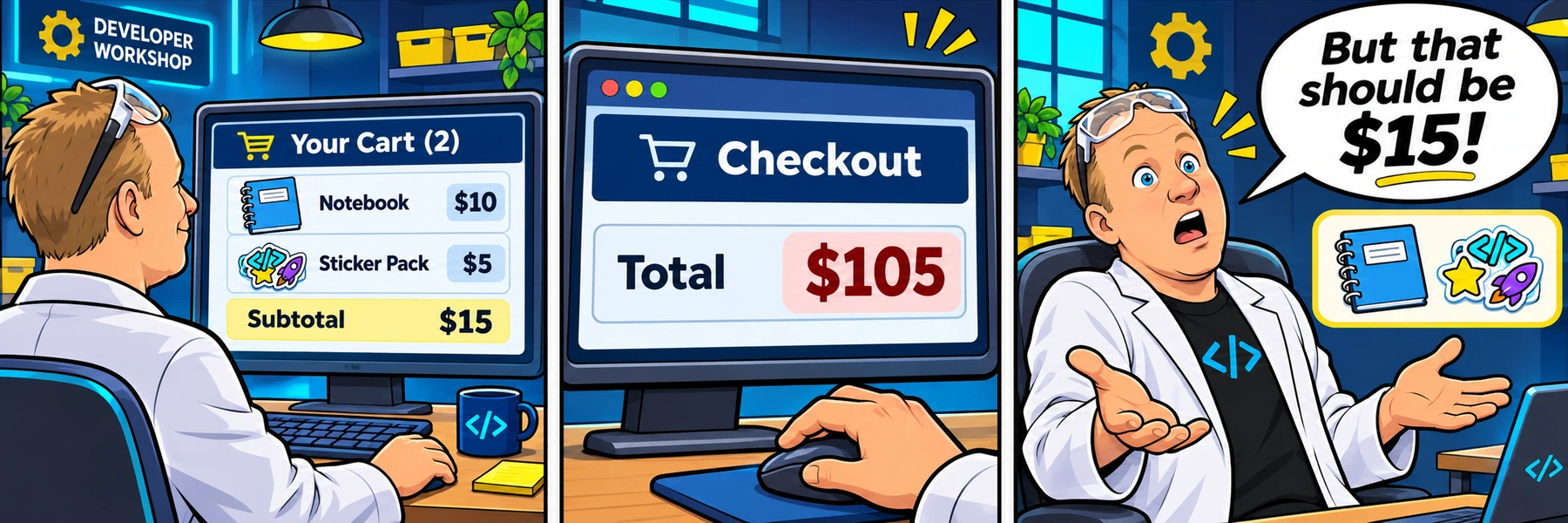
Checkout shows $105 for a $15 cart.
Customer report: A $10 notebook and $5 sticker pack total $15 in the cart, but $105 at checkout.
Steps to reproduce
- Keep prices at 10 and 5.
- Click Go to checkout.
- Compare the cart subtotal, checkout total, and Console.
Shipping, tax, quantities, and redesign are separate tickets.
Acceptance criteria
- Prices 10 and 5 produce a checkout total of $15.00.
- Prices 12 and 3 produce $15.00; prices 0 and 5 produce $5.00.
- Prices 2.50 and 1.25 produce $3.75.
- Changing either price and checking out again uses the latest values.
- The cart subtotal and checkout total agree, with no JavaScript errors.
Learning demo only. No account changes, email, purchases, or payments occur.
Reproduce → inspect → hypothesize → verify
Take the ticket.
Click Go to checkout before editing. Read the logged prices and their types in the Console. Inspect calculateCheckoutTotal in the JavaScript tab and the price inputs in HTML. CSS is supplied for the preview and hidden from the editor. Say your hypothesis, make a focused change, then choose Check challenge to test every case in the ticket. Run code refreshes the cart without grading it. Edits update the preview automatically. On a phone, the cart preview appears below the code.
Checking account and saved lab work…
Sign in to sync across devicesChoose the copy to continue with. Keeping the device copy replaces the account copy only after a revision check.
Loading the JavaScript and HTML editor…
Pass the checks or make three attempts to unlock an explained example.
Ready to test? Choose “Check challenge” after investigating.
Code and prediction notes recover in this browser and sync when signed in. Instructor examples stay separate. Reset replaces code, not prediction notes.
Replace your edits with the original broken example?
Try first. Reveal one clue at a time.
Need a lead?
1. What kind of values are these?
Look at the Console after checkout. The values look like prices, but what does typeof report? Does an input with type="number" necessarily give JavaScript a number through its value property?
2. One symbol, two jobs.
In JavaScript, + can add numbers or join strings. Compare 10 + 5 with "10" + "5". Which behavior matches your evidence?
3. Convert before calculating.
Try converting each input value with Number before adding. Converting the already joined result is too late. Keep reading the inputs inside the function so the next checkout uses updated prices.
Your lab report
Show your reasoning.
“I expected… I observed… The console showed… My hypothesis was… I changed… I verified…”
Use Check challenge for automated behavior checks. Passing checks are useful evidence, not a complete code review.
Give others room to investigate: label solutions as spoilers.
Share your lab report on SKOOL (new tab) ↗