Code Zone Bug Lab / Episode 19
Same Skill, New Accounts
Transfer your roster lookup skill to fictional observatory accounts. Build a small function that cleans input, searches approved aliases, and returns a standard account name.
Exercise B · Transfer the skill
New data. Your own function.
Complete Exercise A: The Name That Doesn’t Match first. Then spend about 20 minutes rebuilding the same idea with the fictional accounts supplied in the editor. Keep AI assistants closed; documentation is allowed.
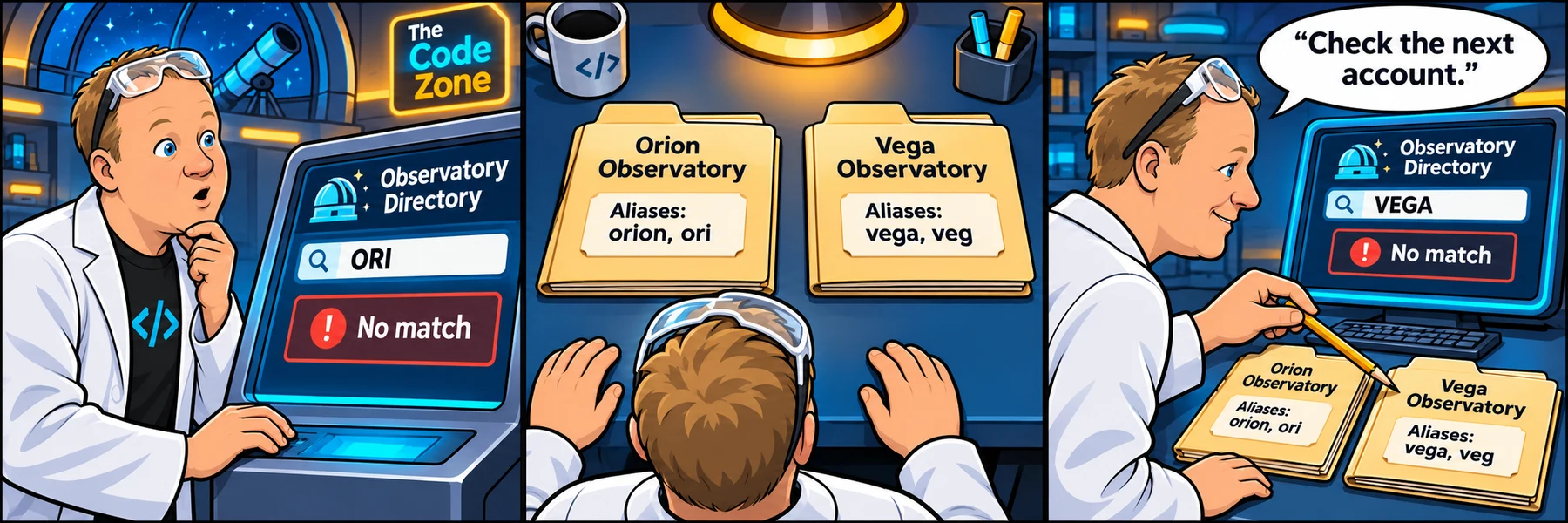
Orion and ori refer to Orion Observatory. Vega and veg refer to Vega Observatory. Case, surrounding spaces, and words after the first name should not change the match. Unknown names stay unmatched.
- Describe your four steps before typing.
- Complete toAccount and test at least six inputs, including the second account and an unknown name.
- Use Check my fix, then add a third invented account with two aliases.
- Explain which parts stayed the same and which parts changed.
Your code saves automatically in this browser and syncs across devices when signed in. Instructor examples stay separate from learner drafts.
Your sprint ticket · In progress · DEV-162
Give each fictional account one standard name.
Customer report: The pretend club writes the same account several ways. Our unfinished lookup returns no match for every input.
Steps to reproduce
- Read the two account objects in the JS tab.
- Predict the steps the function needs before writing code.
- Complete the TODOs, run your examples, then check your work.
Use the first word and the aliases supplied in ACCOUNTS. This exercise does not require punctuation handling. Do not add integrations, real account details, or substring matching.
Acceptance criteria
- orion, Orion Observatory, ORION with surrounding spaces, and ori return Orion Observatory.
- vega, Vega Observatory, VEGA with surrounding spaces, and veg return Vega Observatory.
- Unknown names, empty strings, and whitespace-only input return an empty string.
- null and other non-text values return an empty string without throwing.
- orionette must not match orion.
Fictional learning demo. Use invented inputs only. No client systems or credentials are connected.
Reproduce → inspect → hypothesize → verify
Take the ticket.
Complete toAccount in the JavaScript tab. Rebuild the idea from memory before referring to Exercise A. Use the preview for your own tests, then Check challenge. Explain what you reused and what changed.
Checking account and saved lab work…
Sign in to sync across devicesChoose the copy to continue with. Keeping the device copy replaces the account copy only after a revision check.
Loading the JavaScript and HTML editor…
Pass the checks or make three attempts to unlock an explained example.
Ready to test? Choose “Check challenge” after investigating.
Code and prediction notes recover in this browser and sync when signed in. Instructor examples stay separate. Reset replaces code, not prediction notes.
Replace your edits with the original broken example?
Try first. Reveal one clue at a time.
Need a lead?
1. Use the same four steps.
Check the input type, clean it, search the array, and return a name or an empty string.
2. Read one account object.
account.name is the standard output. account.aliases is the array of spellings you can match.
3. Keep the no-match return after the loop.
Returning an empty string inside the loop would stop at the first non-match and miss later accounts.
Your lab report
Show your reasoning.
“I expected… I observed… The console showed… My hypothesis was… I changed… I verified…”
Use Check challenge for automated behavior checks. Passing checks are useful evidence, not a complete code review.
Give others room to investigate: label solutions as spoilers.
Share your lab report on SKOOL (new tab) ↗