HTML / FREECODECAMP WORKSHOP COMPANION
freeCodeCamp: Build a Cat Photo App
Build a small HTML page with cat photos, useful links, lists and captions. Practice meaningful structure, nesting and the difference between code and visible output.
FREE INTRODUCTION / NO SIGN-IN NEEDED
What you will build and how we will help
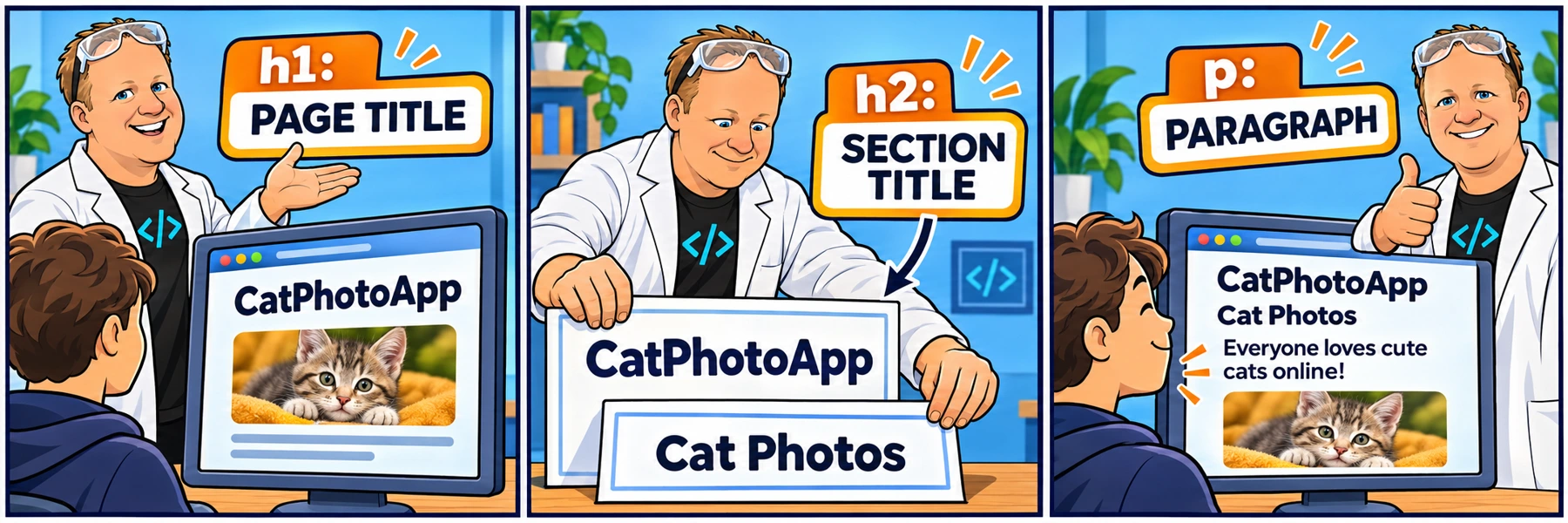
This original introduction describes the first three pilot videos. Written guidance and recordings now cover all 42 steps.
Which step do you need help with?
Choose any step. You can move freely without completing earlier steps here.
Written guidance is available to everyone. Step videos require a signed-in Code Zone account with video access.
See the topic for each step
- Step 1: Name the page
- Step 2: Introduce the photo section
- Step 3: Add a paragraph
- Step 4: Leave an HTML comment
- Step 5: Identify the main content
- Step 6: Make nesting easy to read
- Step 7: Add an image element
- Step 8: Tell the browser which image to load
- Step 9: Give the image a text alternative
- Step 10: Add an anchor element
- Step 11: Give the link visible text
- Step 12: Add words around the link
- Step 13: Wrap the sentence in a paragraph
- Step 14: Link the existing words cute cats
- Step 15: Open the gallery link in a new tab
- Step 16: Remove the completed reminder
- Step 17: Make the image a link
- Step 18: Group the cat photos content
- Step 19: Add a second section
- Step 20: Name the new section
- Step 21: Introduce a smaller subsection
- Step 22: Start an unordered list
- Step 23: Add three list items
- Step 24: Add the lasagna image
- Step 25: Group an image in a figure
- Step 26: Add a figure caption
- Step 27: Emphasize one word
- Step 28: Add the next subsection heading
- Step 29: Build a numbered list
- Step 30: Prepare another figure
- Step 31: Add the kittens image
- Step 32: Describe the kittens image
- Step 33: Caption the kittens figure
- Step 34: Mark strong importance
- Step 35: Add the page footer
- Step 36: Add the footer credit
- Step 37: Link the footer credit
- Step 38: Make room for page metadata
- Step 39: Name the browser tab
- Step 40: Declare the page language
- Step 41: Start with the doctype
- Step 42: Set the character encoding
What you will build
Build a small HTML page with cat photos, useful links, lists and captions. Practice meaningful structure, nesting and the difference between code and visible output.
Follow 42 small changes, from the supplied starter to the finished HTML structure. This workshop focuses on HTML; native browser styling may look plain.
What you will learn
- h1: Level-one heading
- body: Document body
- h2: Level-two heading
- p: Paragraph
- HTML comment
- main: Main element
- img: Image element
- src: Source attribute
- alt: Alternative text
- a: Anchor element
How to use this companion
- Build on freeCodeCamp. Keep its workshop open in another tab. Your code, checks and course progress stay there.
- Come here when you need context. Open the matching step for the task, reasoning, definitions and expected preview.
- Watch a focused explanation. Member videos show how the instructions become code and what changes in the preview.
- Try it yourself. Return to freeCodeCamp and run its checks before moving on.
Skills you can use beyond this workshop
Practice translating requirements into small changes, nesting elements in the right place, reading the browser result and checking reliable references. These habits help you understand unfamiliar code without memorizing every element or property.
Ready to work through the workshop?
Choose a step above whenever you need guidance, or start coding in the official workshop.
Independent guidance from The Code Zone, not affiliated with or endorsed by freeCodeCamp. Complete official work and certification requirements on freeCodeCamp. Curriculum checked November 15, 2026. Curriculum source (opens in a new tab).